OWASP Web Infrastructure Rescue

Quick Highlights
- OWASP Site Theme Mobile Rescue
Rescued systemic mobile breakage in the shared OWASP site theme, improving a common foundation used across the broader multi-repo web ecosystem.
- OWASP Top 10 Release Rescue
Rapidly stabilized site-wide mobile layout and scrolling failures on the live 2025 OWASP Top 10 release-candidate surface.
Overview
This work shows Rito diagnosing and resolving mobile failures across two high-impact OWASP web surfaces: the shared theme supporting the broader multi-repo ecosystem and the live release-candidate site for the OWASP Top 10.
In both cases, the contribution went beyond correcting an isolated visual defect. The work restored core navigation, layout, and scrolling behavior on public-facing infrastructure where one implementation issue could affect an entire site or a widely distributed family of project pages.
Ecosystem Background Context
OWASP is a community-led cornerstone of application security whose projects and chapters commonly publish from separate repositories through shared web infrastructure. That structure magnifies both failures and fixes: a defect in a common theme can spread across many public surfaces, while a strong upstream correction can improve the ecosystem broadly.
The OWASP Top 10 adds a different kind of scale. It is the organization's best-known public resource, so breakage on its live release-candidate site directly affects a high-visibility release surface during an active publication cycle.
OWASP Site Theme Mobile Rescue
Quick Highlight: Rescued site-wide mobile breakage in the shared OWASP site theme used across the broader multi-repo web ecosystem.
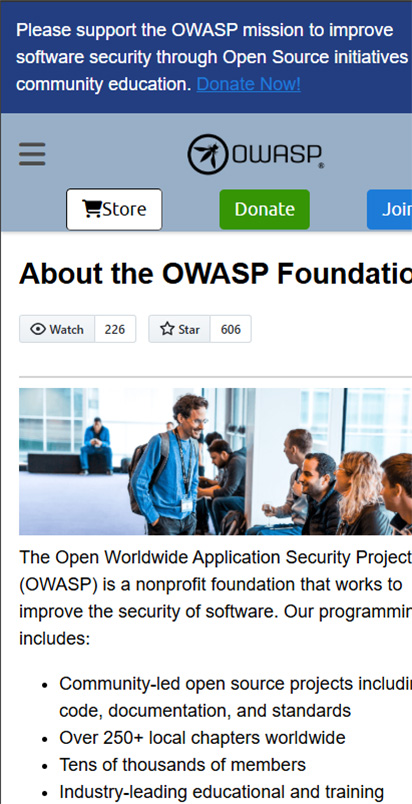
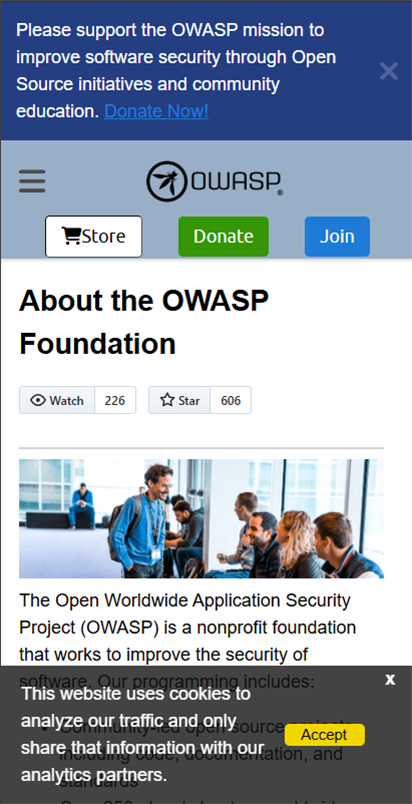
The shared Jekyll site theme used across the owasp.org ecosystem had systemic issues in key elements that caused sitewide breakage. The cookie bar was not fully visible and could not be dismissed because the close icon was off-screen. On mobile load, large sections of the page were hidden by overflow, forcing awkward panning and hurting navigation and accessibility.
Rito diagnosed the root causes and applied a cohesive set of fixes across mobile and tablet breakpoints while preserving the original design intent. He opened an issue and shipped a pull request, and maintainers merged the changes after review.
Impact was immediate and broad: the shared theme stopped breaking layouts across the OWASP ecosystem, and the homepage experience became reliable on mobile and tablet.
Conclusion
On a shared theme powering many OWASP surfaces, including the flagship main site, this work demonstrated strong systems diagnosis, judgment, initiative, and targeted execution. It required isolating complex UI behavior, communicating the root problems clearly, and shipping the right fixes with broad downstream impact.
OWASP Top 10 RC Mobile
Quick Highlight: Rapidly identified and fixed site-wide mobile layout breakage on the live 2025 OWASP Top 10 release-candidate surface, stabilizing a high-visibility public-facing release.
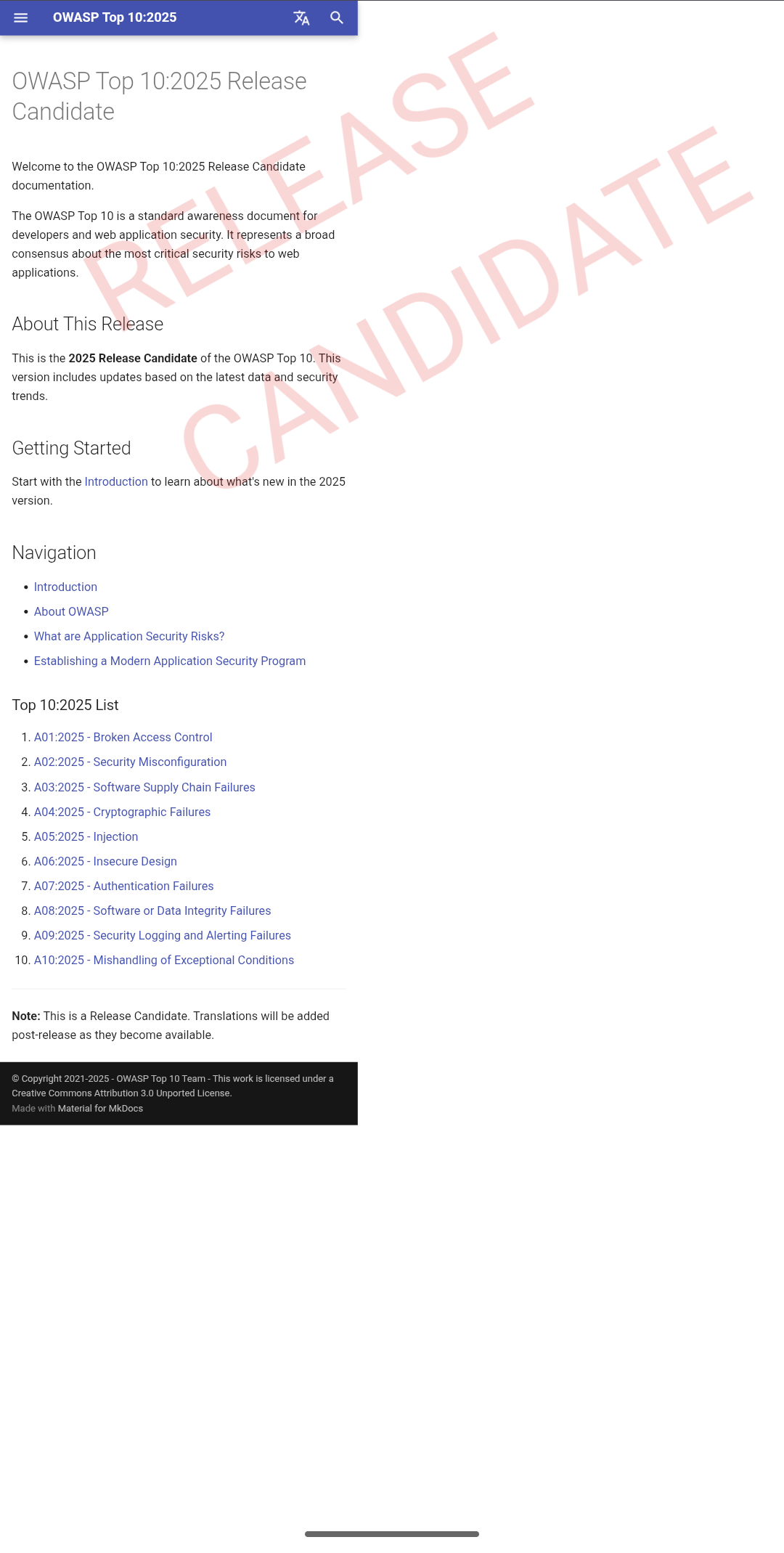
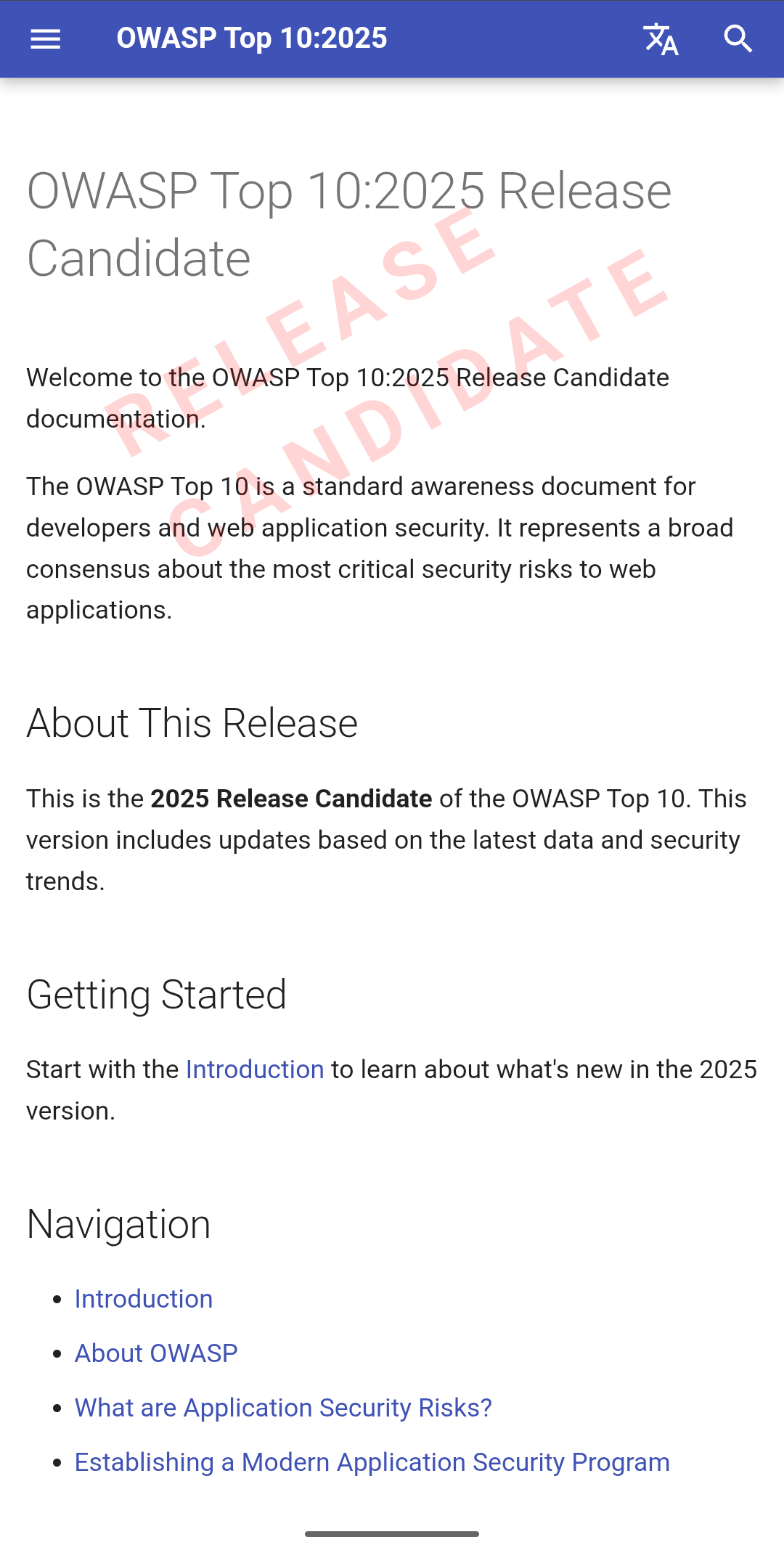
The 2025 OWASP Top 10 was in pre-release as a Release Candidate on the live, publicly viewable production site, with a watermark on every page to signal draft status. On mobile, that watermark was not configured correctly and ended up breaking layout, hiding the navigation menu and impacting normal scroll behavior while also adding whitespace more than twice the size of the page content itself.
Rito opened an issue and shipped a pull request that corrected the watermark layout and restored normal layout and scroll behavior across breakpoints. He also alerted maintainers in the OWASP Slack with the issue and fix, and it was promptly merged while the release candidate phase was still active.
Conclusion
This work showed strong judgment and rapid execution on a live release surface: identify the issue quickly, communicate it cleanly, resolve it directly, and keep the core release process moving without added friction.